Project dossiers
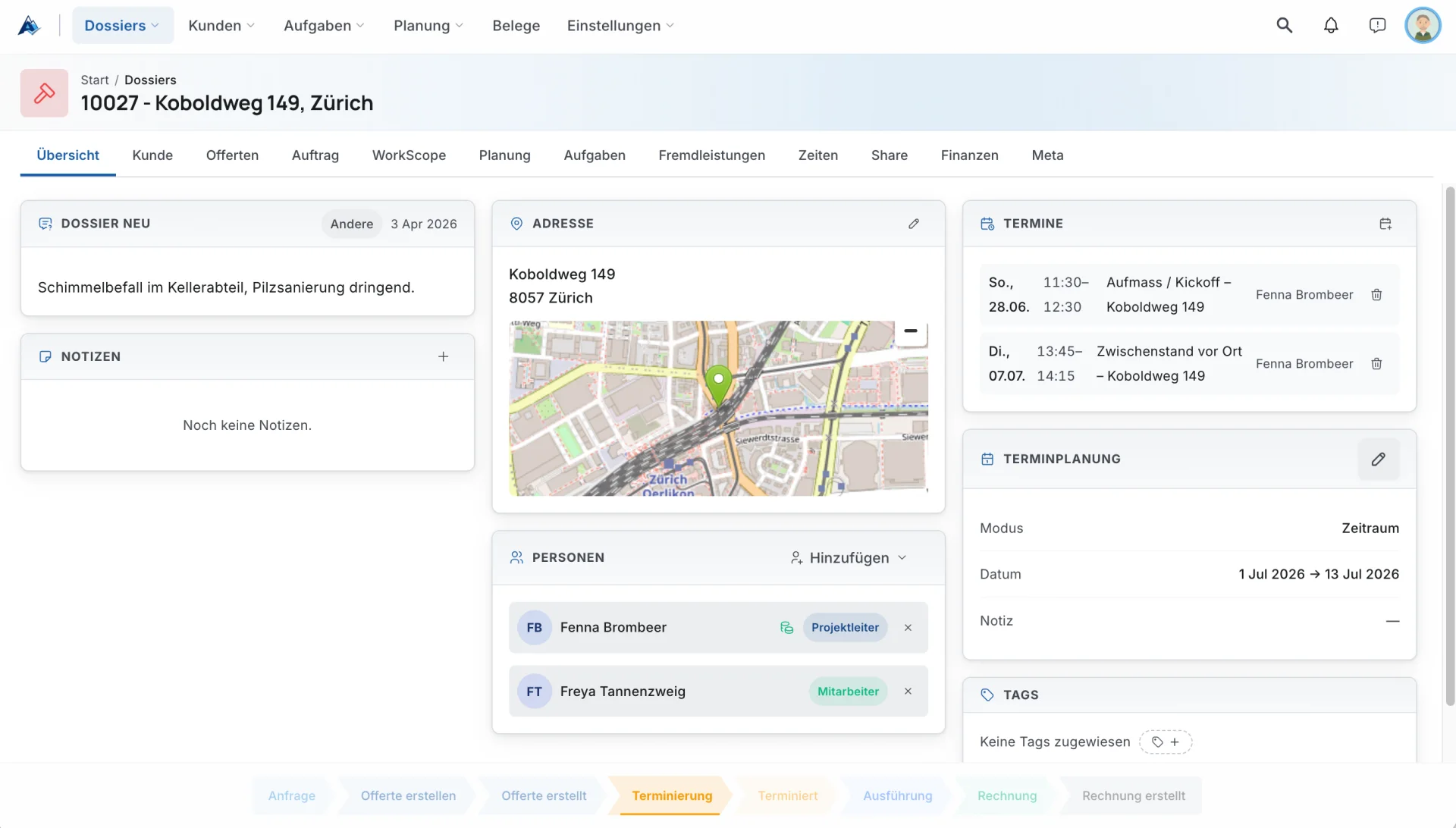
Customers, phases, people, offers, instructions, notes, tasks, and documents in one durable project record.
Antoniq connects office planning and field execution in one exact-fit platform for construction, painting, and trade businesses.

Keep dossiers, schedules, people, documents, photos, voice notes, time reports, expenses, quotes, and approvals connected. Information captured on site becomes useful business context immediately—without double entry.
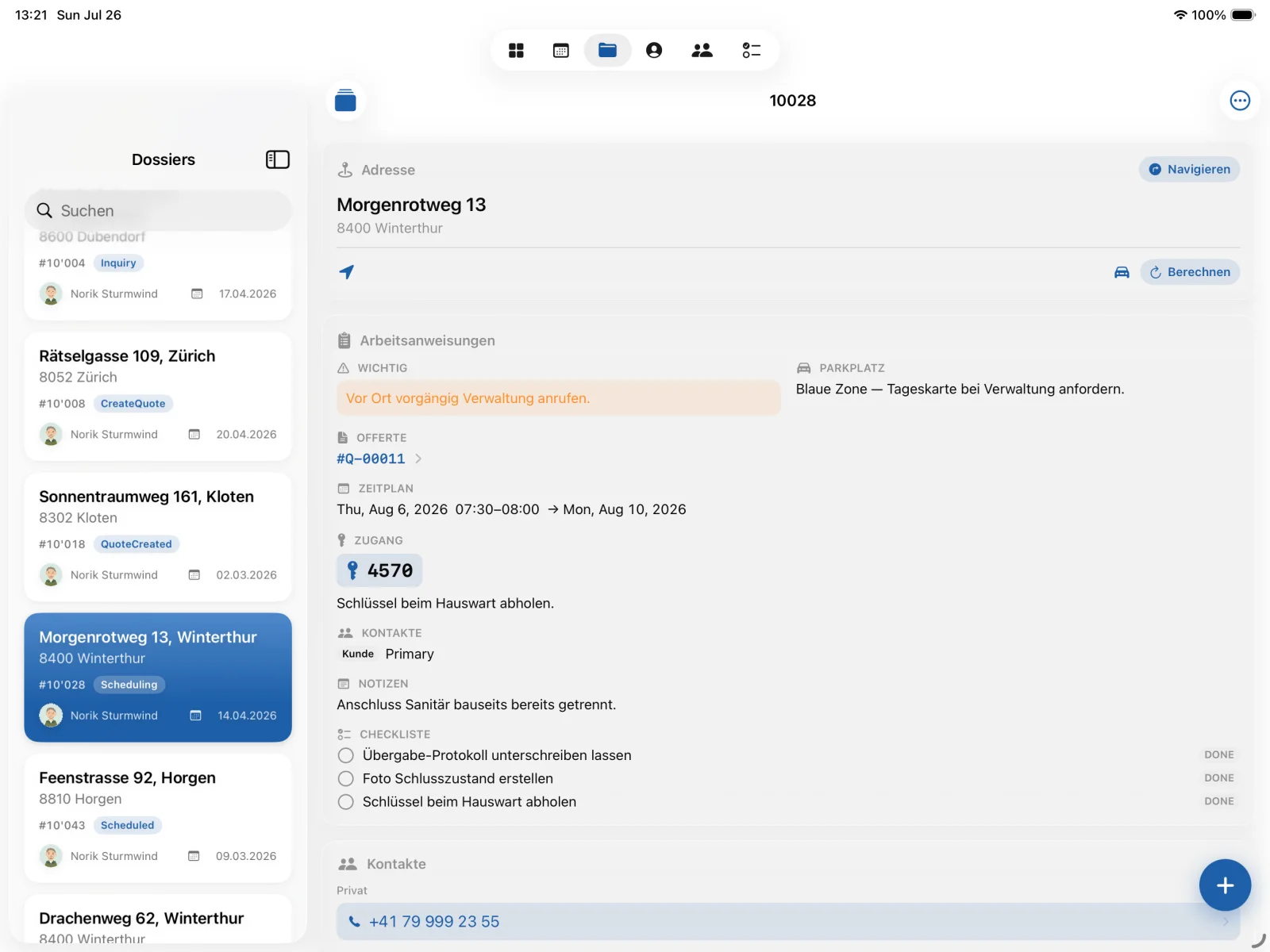
Plan and decide at the desk. Run the week from a tablet. Capture what actually happened on site from a phone.
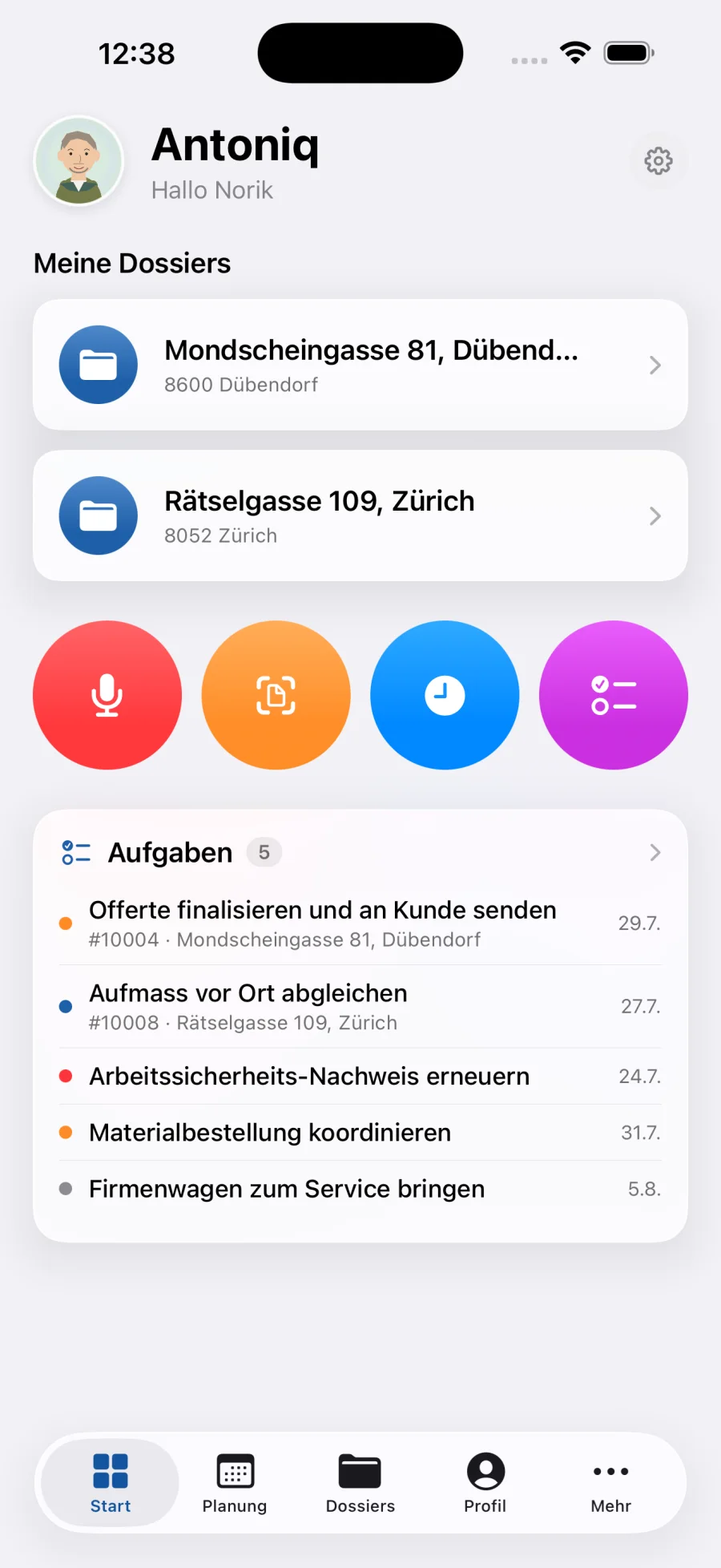
Antoniq is shaped around the full project lifecycle—not a loose collection of disconnected tools.
Customers, phases, people, offers, instructions, notes, tasks, and documents in one durable project record.
Photos, videos, receipts, and voice memos captured on site and attached to the right context immediately.
Appointments, resources, time reports, absences, expenses, and employee information work from the same data.
AI transcription, content classification, planning assistance, and human-in-the-loop workflows reduce manual coordination.
Antoniq works with the identity, files, communication, and calendar tools your team already trusts. Agentic workflows move work forward while people remain in control of decisions.
Every client company operates a private Antoniq instance configured for its workflows. Team members sign in with company Microsoft Entra ID accounts, while roles and permissions keep access appropriate.
Business hours are Monday to Friday, 08:00–17:00 Europe/Zurich. Email is usually answered within one business day.
hello@arbiq.ch — please include your company name and, if relevant, the dossier or screen concerned.
Accounts are created and managed by your employer. For sign-in, password, or account removal, contact your company's IT administrator.
See the Antoniq privacy policy for what the app processes and why.
Antoniq is business software. Your employer provisions your account through their Microsoft Entra ID directory — there is no self-service registration in the app. If you cannot sign in, ask your company's IT administrator to confirm your account and Antoniq access.
The app needs to know which company instance to connect to. Scan the QR code your company provided, or enter the discovery URL they sent you into the manual field. After that, the app remembers the instance and only asks you to sign in.
If Microsoft Authenticator is installed on your device, use it for the smoothest sign-in. Otherwise choose the browser option, which signs you in through a secure in-app browser window.
Because accounts are owned and managed by the employing company, deletion is requested from your company's IT administrator, who removes your directory account and Antoniq access. Signing out and resetting the app removes local data from the device. For questions about this process, write to hello@arbiq.ch.
Each permission serves one documentation feature: the camera photographs site work and receipts, the microphone records voice memos, the photo library attaches existing pictures, and location tags content with the place of capture. All permissions are optional and requested only when you first use the corresponding feature.
Sie erreichen den Antoniq-Support auf Deutsch unter hello@arbiq.ch. Benutzerkonten werden durch Ihren Arbeitgeber verwaltet: Bei Fragen zur Anmeldung, zum Passwort oder zur Löschung Ihres Kontos wenden Sie sich bitte an die IT-Verantwortlichen Ihres Betriebs. Informationen zum Datenschutz finden Sie in der Datenschutzerklärung für Antoniq.
Tell us how your projects run today. We’ll show you where Antoniq can remove friction.
Book a demo